About Auto-rotate Control Pro
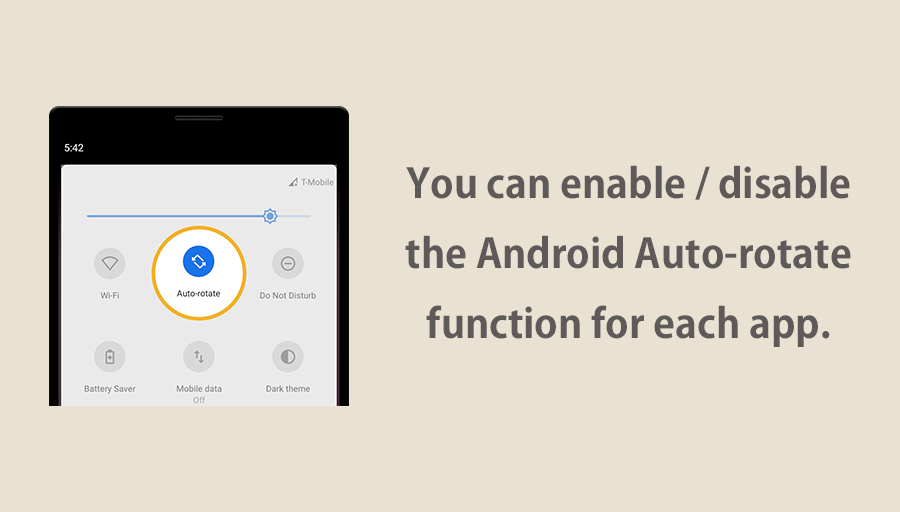
Our app lets you enable or disable Android's auto-rotate function for individual apps.
Some apps, such as YouTube, Netflix, and gallery apps benefit from auto-rotation, whereas others, such as browser apps, work best without it.
By enabling or disabling Android's auto-rotate in each app, you can switch seamlessly between them and enjoy the use of your smartphone without having to constantly change the settings yourself.
This app does not force you to rotate each app to portrait or landscape.
[Common misconceptions]
≪Questions≫ Some apps do not rotate even though the Android's auto-rotate function is enabled. Isn't this a malfunction of this app?
≪Answer≫ This is not a malfunction. This app does not force rotation. The app does not rotate because the individual rotation settings of the app are set to be portrait fixed.
In order to understand this app, you need to understand the Android's auto-rotate function and the mechanism of Android app rotation.
Each app has its own settings for rotation.
Most apps are set to rotate portrait or landscape (auto-rotate), but some apps are set to portrait fixed.
Few apps are set to landscape fixed, but app developer can design that way.
There are conditions required for the app to rotate freely portrait and landscape.
1. Android's auto-rotate function enabled
2. App must be set to rotate automatically both portrait and landscape in individual settings
If these two conditions are met at the same time, the app will rotate both portrait and landscape.
If the Android's auto-rotate function is disabled, the screen orientation is fixed based on the rotation setting of each application.
If the individual rotation setting of each application is "auto rotate" or "portrait fixed", it will be displayed portrait fixed and will not rotate landscape.
If the individual rotation setting of each application is "landscape fixed", it will be displayed landscape fixed and will not rotate portrait.
And this app is an app to automatically enable and disable Android's auto-rotate function for each app.
[Features]
►Per App Settings
Android's auto-rotate function is enabled only when the app specified here is launching.
►Auto Save
If you change Android's auto-rotate settings from the notification area or quick panel, the settings are automatically saved for each app.
►Notification Settings
You can set the notification display and priority.
You can check this app's functions and operations with a free trial.
Please check the functions and operations by free trial before you buy.
https://play.google.com/store/apps/details?id=jp.snowlife01.android.autorotatecontrolfree
【For OPPO users】
This app needs to run a service in the background to detect which app has started.
OPPO devices require special settings to operate app services in the background due to their unique specifications. (If you do not do this, services running in the background will be forcibly terminated, and the app will not operate properly.)
Please drag this app a little down from the recent apps history and lock it.
If you do not know how to set, please search for "OPPO task lock".
Auto-rotate Control Pro Faqs
What about the Auto-rotate Control Pro Mod ?
Auto-rotate Control Pro is a Arcade Games Developed by Skyloft. This mod is upload by HappyMod App Users. The Mod Feature about This Mod is: 1. UNLIMITED GOLD
2. UNLIMITED UPGRADES.
How can I download the Auto-rotate Control Pro Mod?
You need to click the download button to Downloading Page, then you will download Auto-rotate Control Pro directly. If you have downloaded HappyMod App, it is ok. You need to install HappyMod App then click the download button on downloading page. The app you want to download will show on HappyMod App.
How about the download speed?
The download speed in HappyModpro is really fast. The Download speed in HappyMod App is faster. You can download HappyMod App first in home page.
Is Auto-rotate Control Pro Mod safe?
Auto-rotate Control Pro Mod is 100% safe. This mod was upload by users. It has been tested and overviewed by editor. Then we will use all types of an-ti virus software to scan the file. You do not to worry about the safety of Auto-rotate Control Pro Mod.
Why cannot install the Auto-rotate Control Pro mod?
First, you should uninstall the original version Auto-rotate Control Pro App, the signature will conflict with mod version. Then you should allow unknow resource can be install on your Android devices.
Games like Auto-rotate Control Pro Mod APK

 HappyMod